

Web utility project
A responsive time and calendar utility with a polished interface.
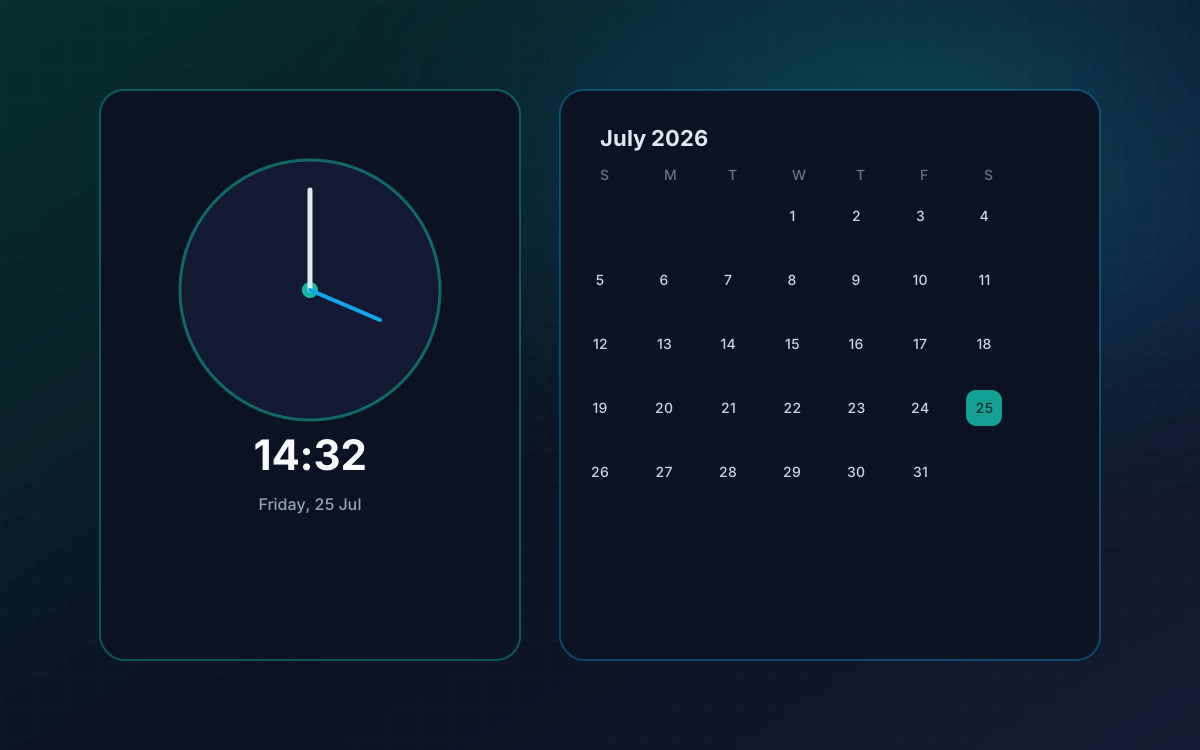
A functional web utility showcasing real-time clock display, calendar navigation, and clean state handling.
- HTML
- CSS
- JavaScript
Classification: Engineering Showcase · Status: Showcase project
Overview
About Modern Clock & Calendar
A functional web utility showcasing real-time clock display, calendar navigation, and clean state handling.
Overview
Modern Clock & Calendar is a web utility and UI showcase. It demonstrates practical frontend state handling for time and date interfaces with a polished visual treatment. It is not a commercial scheduling product.
Classification
How this work is labeled.
Status and classification are intentional — they keep product intent separate from showcase craft.
Classification and status
Classification
Engineering Showcase — Web Utility Project
Status
Showcase project
Problem
The need this work responds to.
Problem
Utility interfaces for time and calendars are easy to make functional and hard to make clear, calm, and responsive.
Solution
How the concept is approached.
Solution
A focused utility project that pairs accurate time presentation with calendar navigation and careful layout polish.
Core features
What the experience includes.
Feature lists stay within known scope — not invented commercial roadmaps.
Core features
- Live clock presentation
- Calendar navigation patterns
- Responsive layout for common screen sizes
- Clean visual hierarchy for date and time reading
User experience
How it should feel to use.
User experience
- Immediate readability of current time
- Predictable calendar browsing
- Utility aesthetic without unnecessary chrome
Technology
Tools selected for this work.
Stacks are chosen for the project type. This is not a partnership or certification claim.
Technology stack
- HTML
- CSS
- JavaScript
Development
Engineering highlights.
Development highlights
- Real-time update handling for clock display
- Calendar state modeled for month navigation
Skills demonstrated
- Real-time UI updates
- Date and calendar state handling
- Responsive utility layout
- Visual polish for everyday tools
Reflection
Challenges and lessons.
Challenges and lessons
Challenges
- Keeping updates accurate without unnecessary re-renders or flicker
- Designing calendar navigation that remains obvious on small screens
Lessons
- Everyday utilities benefit from typographic clarity first
- Small stateful UI projects transfer well into dashboard and SaaS work
Related services
Services connected to this work.
Related services
Related work
Other products and projects.
Related products
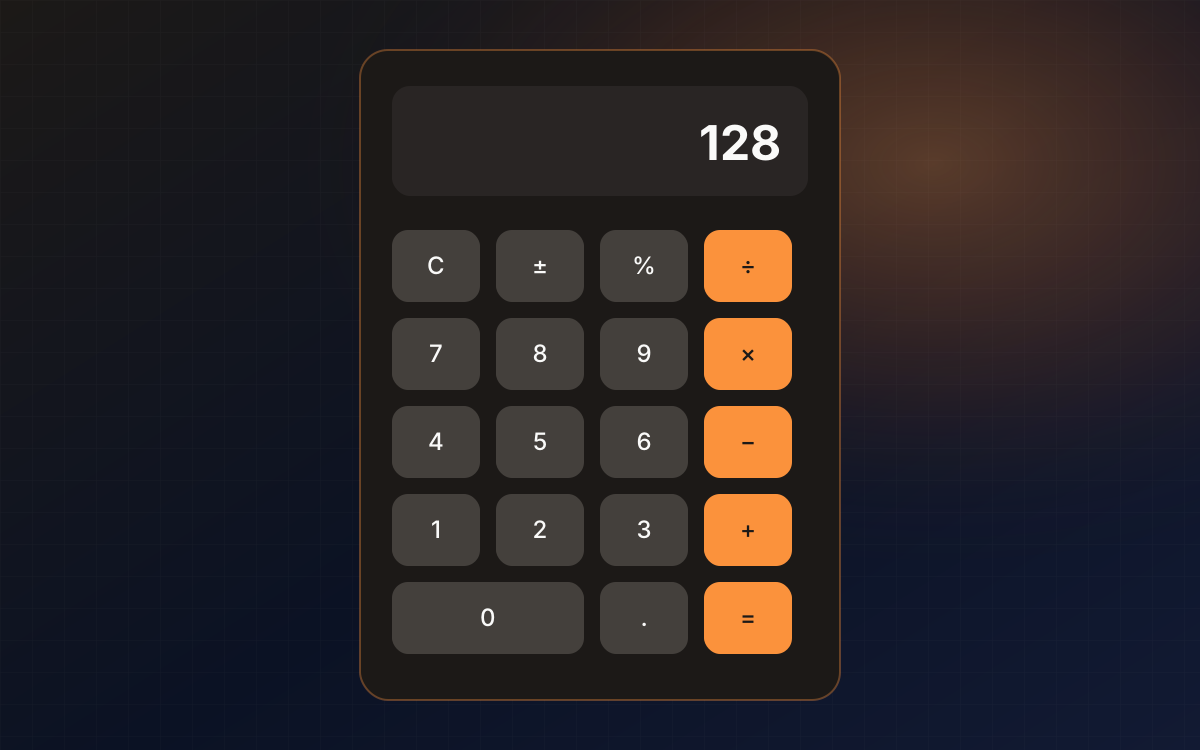
Neumorphic Calculator
A calculator interface experiment combining arithmetic logic with neumorphic styling, keyboard support, and theme switching.
- HTML
- CSS
- JavaScript
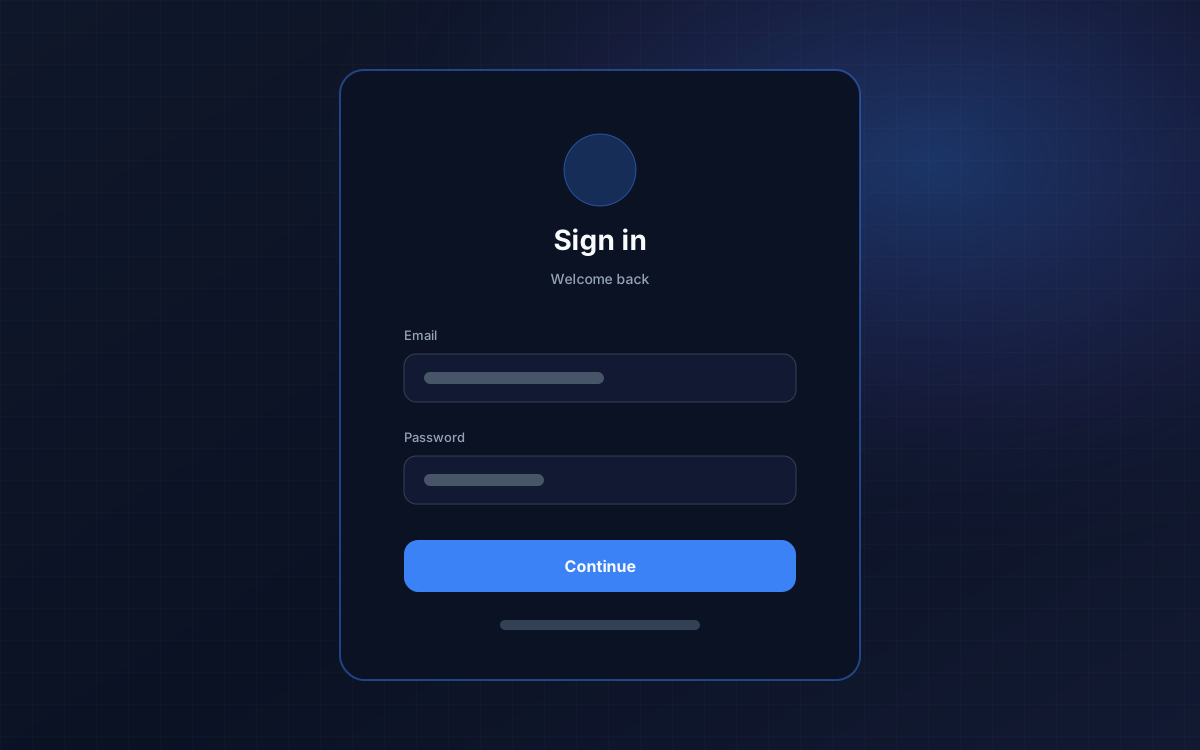
Animated Login
A polished authentication-style interface study exploring motion, validation feedback, and micro-interactions.
- HTML
- CSS
- JavaScript
FAQ
Questions about Modern Clock.
Honest answers for this project. Broader product questions are on the Products overview.
Frequently asked questions
Want something similar built for your users?
Tell IKECOZ about the problem, audience, and outcomes you care about — we will respond with a practical next step.